Skip to content
Plant haulage. Planned perfectly.

Plant haulage.Under control.

From the first instruction to the final invoice. Bring your office, drivers and workshop together in one clear view.

Try it live, no sign-upPackages from £199 a month ↗
Illustrative yard · Explore the views
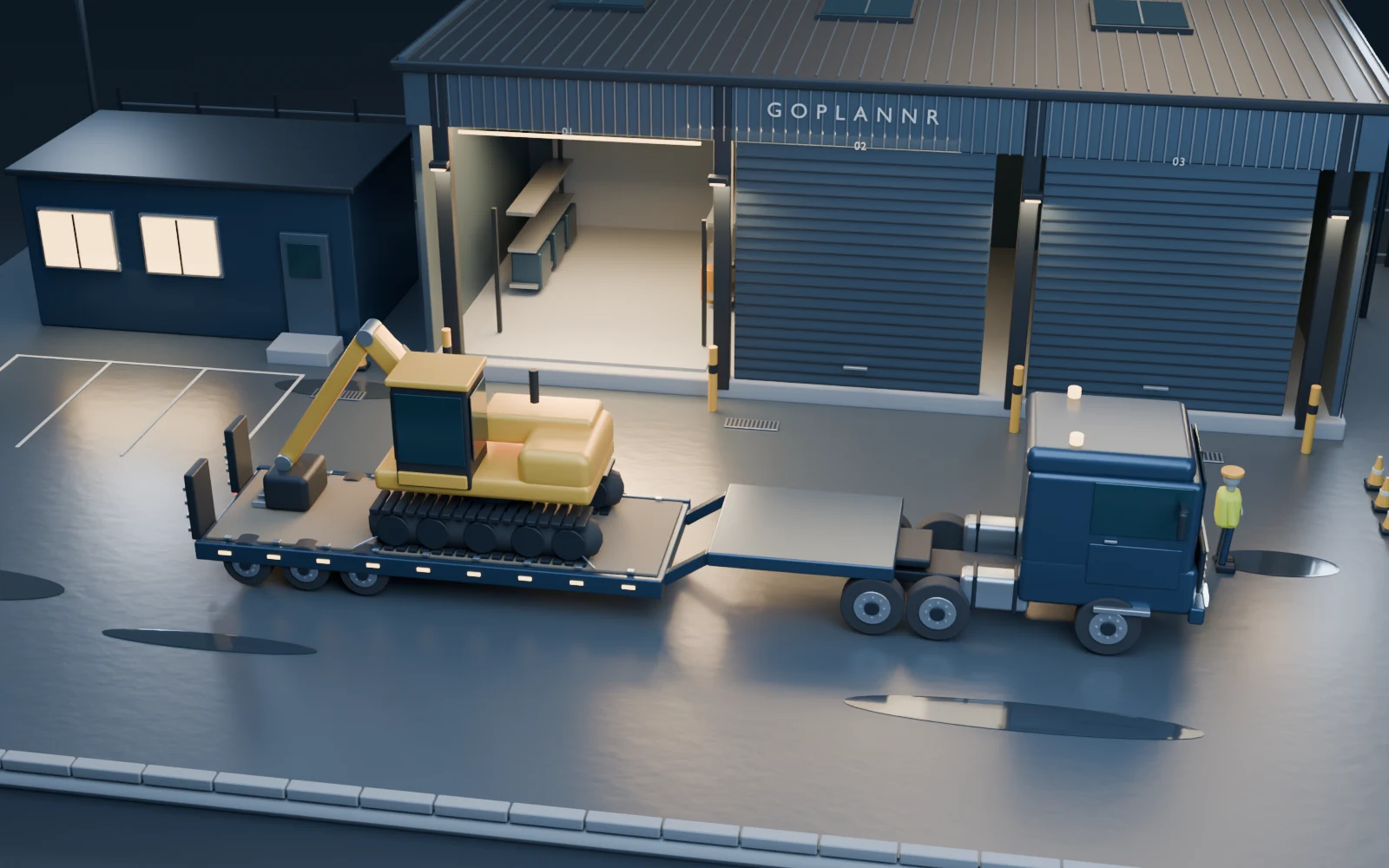
Original Blender scene of the GoPlannr yard at blue hour, with a loaded low-loader outside the illuminated workshop
The whole yard

One operation. A shared picture.

The office, the outfit and the workshop — connected by the same working day.

See the office↗
The morning so farIllustrative sample yard · 06:02—06:45
  1. Walkaround06:02
    The driver · GN23 WDE · checks in, one defect
  2. Loaded06:31
    Cat 320 · 21.9 t · photo on file
  3. At the gate06:45
    Move 2 of 4 · collect at Teesworks by 11:30
The gateThe roadThe officeThe workshopThe site
A working day, joined up

The yard is complex.
The view should be clear.

Plan the move in the office. Put the work on the driver’s phone. Keep the workshop, delivery proof and invoice connected to what actually happened.

THE OFFICE / YOUR DAILY OVERVIEWGoPlannr · sample screen
app.goplannr.com/dashboard

GoPlannr · sample screen

Authenticated GoPlannr sample dashboard with today's figures and ranked attention list
01 See what needs you02 Open the detail03 Keep the evidence
02 / THROUGH THE WORKING DAY

From the yard
to the office.

The driver’s instructions. The location of the kit. The work waiting in the workshop. See how the day comes together.

01 / The gate / 06:02

The day starts at the lorry.

This is the driver’s phone, at the lorry. The morning’s move card: collect a Cat 320 by 11:30, the address, where to park, one button to navigate and one to photograph the kit before it is loaded. Progress and evidence sync back to the office. A defect marked Do not drive blocks the affected unit from release until it is cleared.
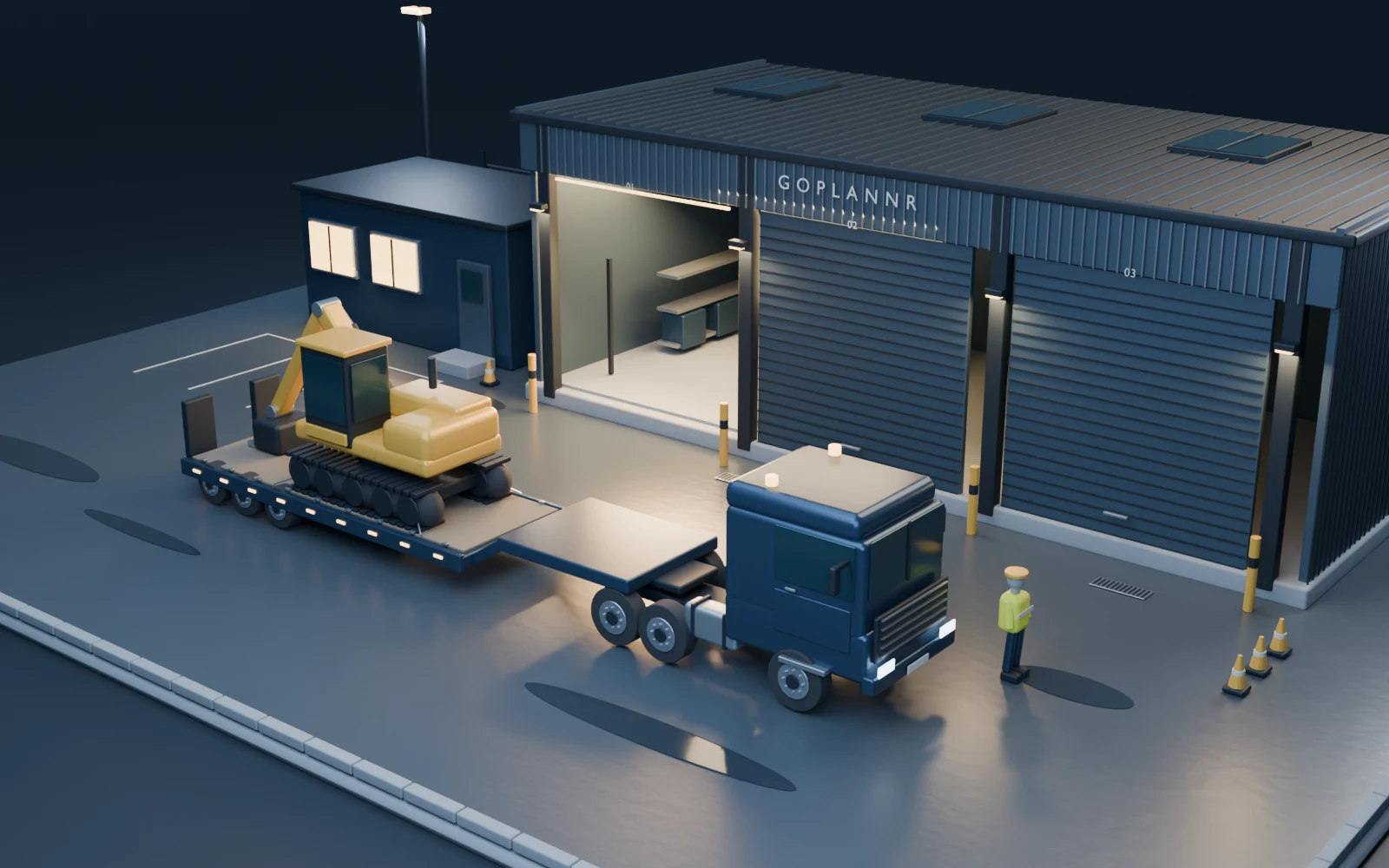
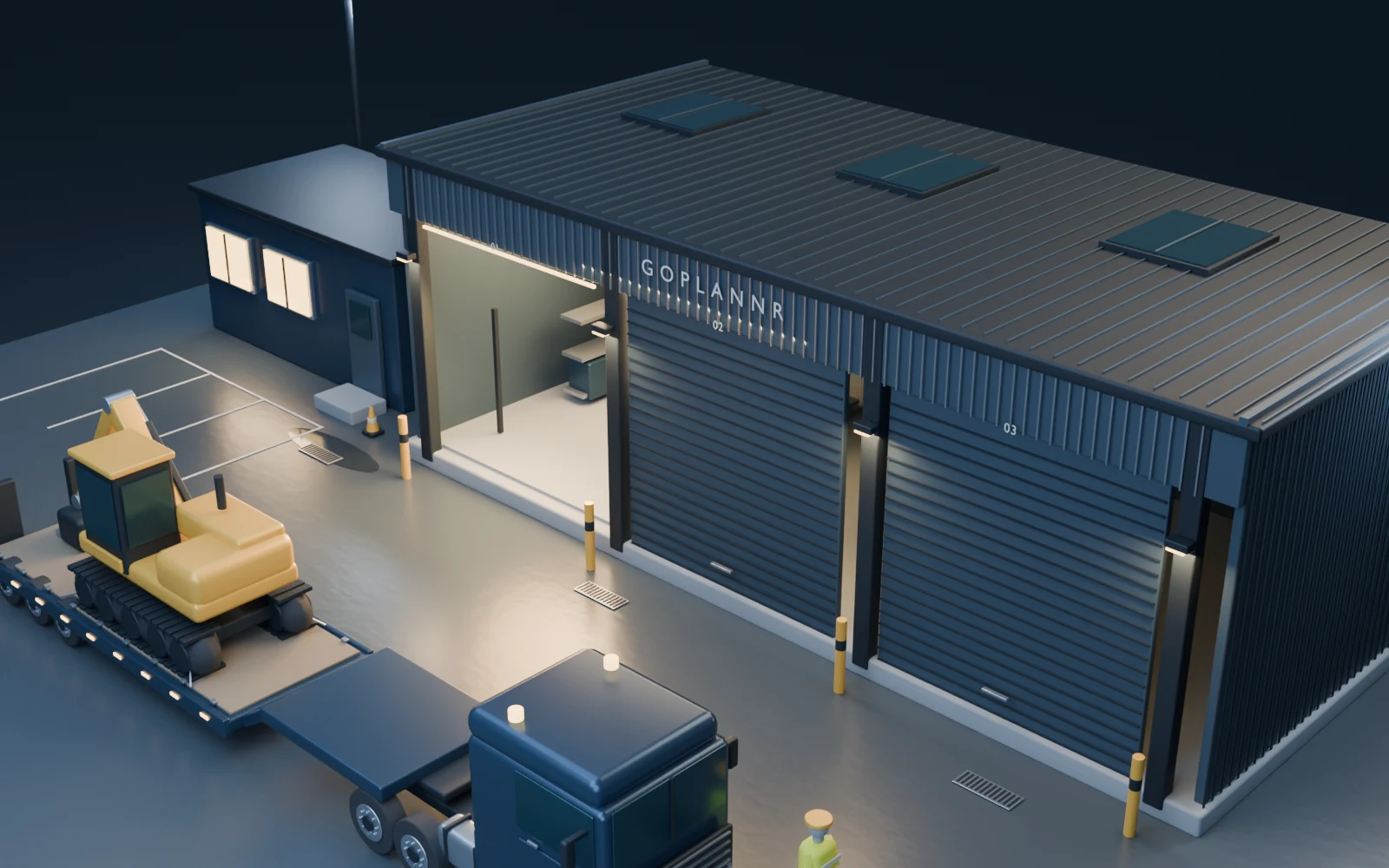
Blue-hour Blender yard illustration with a loaded low-loader outside the illuminated workshop
ILLUSTRATIVE YARD VIEW
GoPlannr / sample screen
app.goplannr.com/driver

GoPlannr · sample screen

The driver’s phone at the lorry: Move 2 of 4, collect a Cat 320 excavator at Teesworks by 11:30, with the parking note, Navigate and Photograph before loading on the same screen
02 / The road / 06:45

Know where the kit is.

This is the kit locator. See recorded locations and machines grouped at each site. The screen also shows which items need a map location, a review or an off-road check. Switch to a future day to compare the plan with recorded positions.

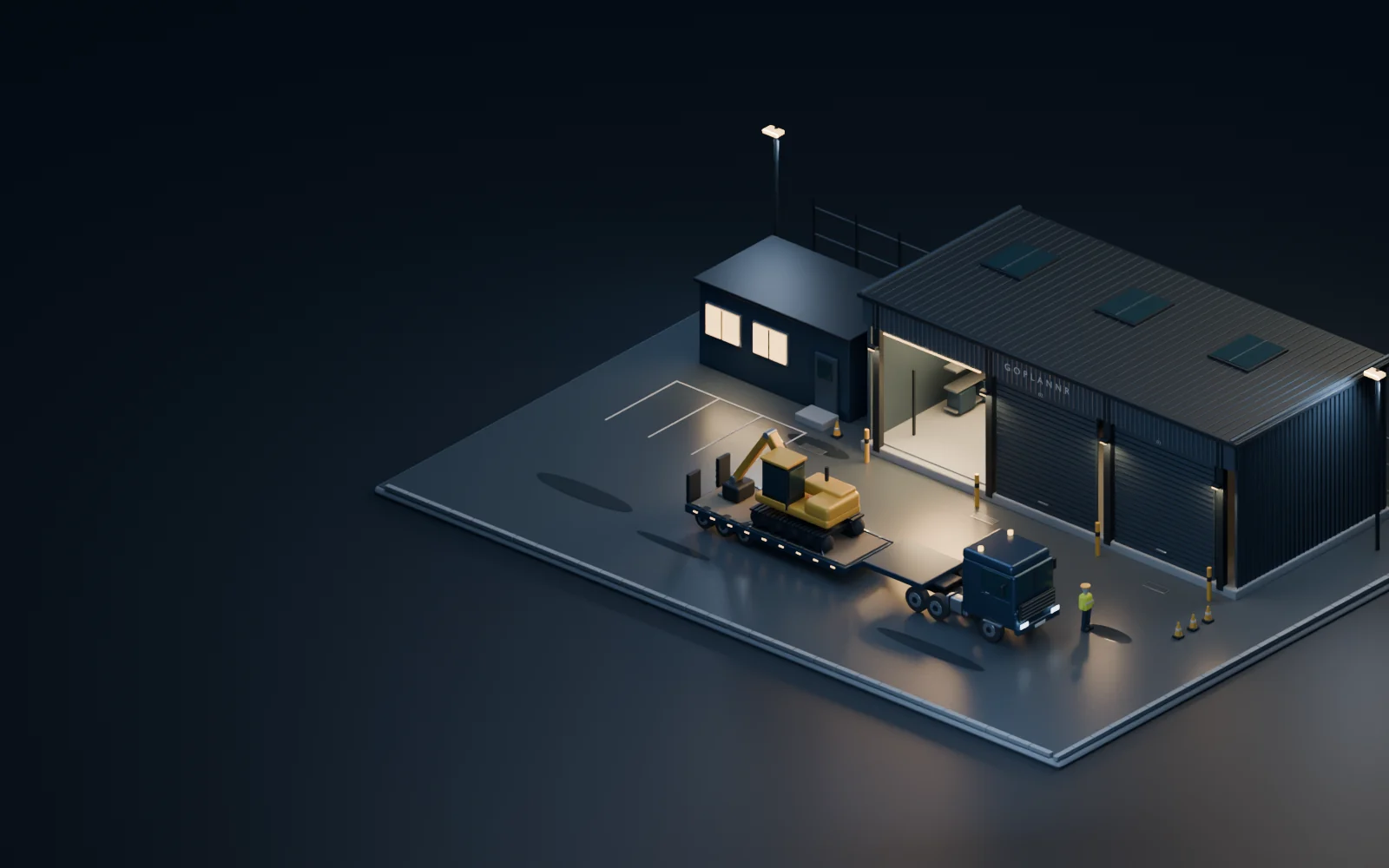
Blender illustration of the excavator and low-loader in the yard, viewed from above
ILLUSTRATIVE YARD VIEW
GoPlannr / sample screen
app.goplannr.com/kit-locator

GoPlannr · sample screen

Authenticated sample Kit Locator with five mapped plant items, location markers, status filters and site cards
03 / The office / 06:50

See what needs the office.

This is the planner’s dashboard. The day’s figures sit above a ranked list of what needs attention, with a next action on each item. The sample includes overdue and unfinished work. Reports bring together costs, fleet and carbon for the selected period as a PDF or CSV.

GoPlannr / sample screen
app.goplannr.com/dashboard

GoPlannr · sample screen

Authenticated sample dashboard with today’s figures and a ranked attention list of overdue and unfinished work
04 / The workshop / 07:05

From the driver’s check to the workshop.

This is the fitter’s screen. An off-road excavator is first in the work list, followed by inspections and service work due soon. The restriction remains visible until it is cleared through the workshop workflow.

Blender illustration of the GoPlannr workshop, its lit service bay and the yard outside
ILLUSTRATIVE YARD VIEW
GoPlannr / sample screen
app.goplannr.com/fitter

GoPlannr · sample screen

Authenticated sample Workshop screen with an off-road Cat 320 excavator and upcoming inspection checks
05 / The site / 07:15

Build the next move. Check the whole day.

This is the plan board for the day. It puts each driver’s outfit, plant and moves in one place. Review the day, then adjust a move before sending it to the driver.

GoPlannr / sample screen
app.goplannr.com/plans

GoPlannr · sample screen

If it goes on a low-loader, it goes on the board.
Tracked excavator
Dozer
Wheel loader
Telehandler
Roller
Site dumper
Mini excavator
Crusher / screener
Low-loader
Tractor unit
Fuel bowser
Attachment
Tracked excavator
Dozer
Wheel loader
Telehandler
Roller
Site dumper
Mini excavator
Crusher / screener
Low-loader
Tractor unit
Fuel bowser
Attachment
01 / The money · 10:06

Delivered at 10:05. Invoiced at 10:06.

A delivered move becomes an invoice line with the signed proof attached. Paid or not paid is ticked when the move is planned, not remembered on Friday, and costing per driver and per external haulier comes off the same board.

Nothing typed twice, nothing chased on Friday.

app.goplannr.com/invoices

GoPlannr · sample screen

Invoice TVP-0147: six lines, four of them with delivery proof on file
02 / The paperwork

Boxes of paperwork. One download.

Every move keeps its own proof as it happens: the walkaround, the weights, the signature, the photos. When the auditor or a customer asks, it comes back as one clean report.

Ready for the DVSA, not a shoebox of dockets.

reports · download
  • DVSA evidence pack
    Walkarounds, defects, PMIs, MOTs and workshop history, in one file.
    PDF
  • Costing & driver report
    What each driver ran, and what it cost.
    PDF · CSV
  • External haulier report
    Subbed-out work and what it cost.
    PDF · CSV
  • Utilisation & green report
    Where the fleet’s hours and fuel went.
    PDF
  • Invoice with proof
    Delivered lines carry their proof of delivery.
    PDF
Messages / included on every paid package

Your office, drivers and workshop.
In the same conversation.

Send a colleague a message or bring people together in a group. Raise an issue, pass on a reminder and reply to the right message. Need help with GoPlannr? Open Support alongside your team conversations.

GoPlannr software · fictional sample data

Keep the reply with the question.

Message one colleague or create a group. Replies, names and times keep the conversation easy to follow.

Explore the software

Messages · sample screen

Scroll across to inspect the full software screen on a smaller display.

Authenticated sample GoPlannr Messages group conversation between office and workshop reviewers
Document storage

Company documents.
Easy to find and open.

Organise company files into folders, search by name and preview PDFs and images. Keep certificates in their dedicated records so expiry dates and compliance checks still work. See your storage usage as you go.

GoPlannr software · fictional sample data

Find it. Open it. Get on with the job.

Keep files in folders and preview supported documents. Rename, move or download a file from its row.

Explore the software

Documents & compliance · sample screen

Scroll across to inspect the full software screen on a smaller display.

Authenticated sample GoPlannr Company files with folders, one test file and file actions
03 / Why it looks like this

We built GoPlannr with plant hauliers who run the day off a whiteboard. The board is quick and everyone in the office can read it, so we kept it. What it couldn’t do was check the weight, check the driver’s hours or show where a machine is once the lorry has left the yard. GoPlannr does that, and the board stays the way you plan. Nothing typed twice.

One price for the business. Taking on a driver doesn’t raise it.

Drivers and planner seats are included on every package. Compare it with per-vehicle pricing for yourself, then see the full packages and Custom options.

Per-vehicle pricing against ours · illustrative

Most systems charge per vehicle or per seat. Pick a fleet size and compare.

Typical per-vehicle system
£525/mo

15 vehicles at £35 each, rising with every vehicle or seat you add.

Not how we charge.

GoPlannr Growth
£399/mo

One package price for the organisation. Annual payment is approximately two months free.

At 15 vehicles the gap is
£1,512/yr

Difference over a year on this illustration, before annual payment takes about two months off.

Illustrative only. Other systems use different packages, user counts and negotiated prices. GoPlannr figures are our published package prices.

Our published prices · three packages, one price each

Starter

£199/mo

Or £1,990 a year — about two months free

Planning, dispatch, tracking and proof of delivery.

Try it live

Growth

£399/mo

Or £3,990 a year — about two months free

Adds maintenance, workshop and external-haulier controls.

Try it live

Elite

£650/mo

Or £6,500 a year — about two months free

Adds Optimise (Beta), branding, invoicing, carbon reporting, API and Toolbox Talks.

Try it live
Unlimited drivers and planner seatsOne price for the organisationNo per-move feesAnnual is about two months free
Compare full packages and Custom options

Try it on a real yard. No sign-up, no sales call.

The demo is the product itself on an empty yard. Load a sample day in one tap, drag a move onto a driver and watch the board check it.

Try it liveGet started
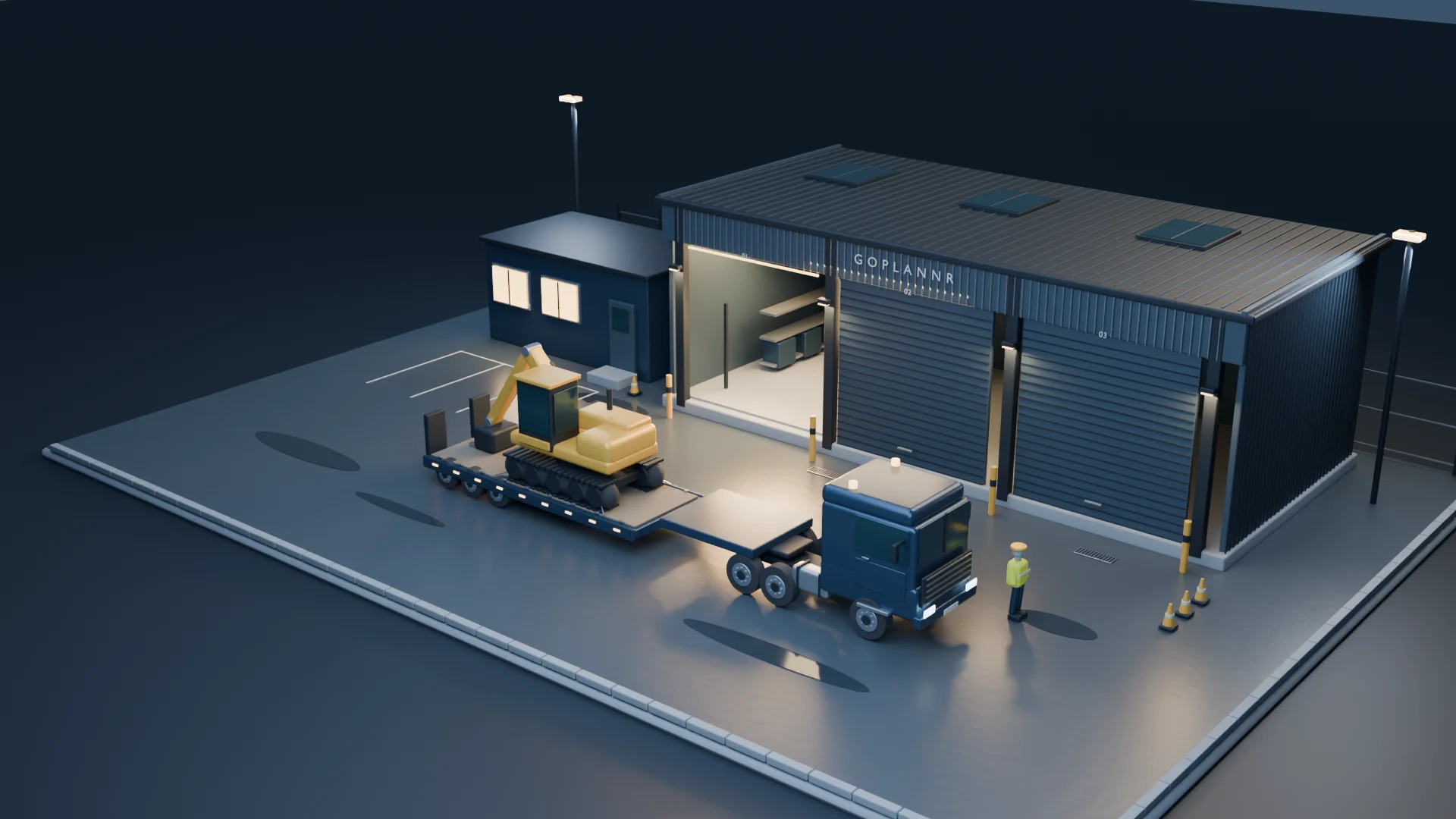
Illustration of a low-loader carrying an excavator outside a lit workshop

Questions operators ask.

No. It is one package price for the business, with drivers and planner seats included. Taking on a driver or another planner does not change the software bill.

The real product on an empty yard, or a worked sample day, without signing up or giving card details. Guided set-up and data import come with a paid plan.

No. Drivers use their phone’s browser and see only their own released work. There is no app-store download and no charge per driver.

No. It is a planning aid using the payload limits you record. Operators remain responsible for trailer plates, axle limits, gross weights, routes and operator-licence obligations.

Yes. Hired plant, its transport and its accrued cost stay with the move. External haulier work and spend are in the Growth and Elite packages or a Custom agreement.

Yes, where invoicing is included. An invoice can mix completed moves, external work and typed hire or service lines. Linked lines keep their proof; typed lines make no proof claim.

Operational data can be exported, so choosing GoPlannr is not a decision you can never reverse. Data is isolated per operator, and an API is available on Elite.

Multi-depot is available through a Custom package. Single-yard customers keep the same simple layout without extra depot controls.

Optimise (Beta), the spreadsheet and email auto-plan builder, is in Elite. It is not in Starter or Growth, and can be added to a Custom package.

Every paid package includes Ask GoPlannr guide help, support chat and email support. Report an issue from the software and keep the responses in the same conversation. Elite includes priority support.

Yes. Every paid package includes private one-to-one conversations and group chats within your organisation, with replies and unread indicators. Use them for questions, reminders and updates during the working day.

Yes. Keep business files in folders, search for them and preview supported files. Certificates have their own records for expiry dates and compliance. Storage capacity depends on your package, with additional storage available.

GoPlannr

Plant-haulage operations software built from the yard out.

Contact us — info.goplannr@gmail.com

Plant Haulage

  • Plant Haulage software
  • Features
  • Try it live
  • Packages and pricing
  • Sign in

Resources

  • Product walkthrough
  • Request a demo
  • Data protection
  • Contact

Legal

  • Privacy policy
  • Terms of service
  • Cookies
  • Sub-processors

GoPlannr is an operations, evidence and reporting aid. Operators remain responsible for verified weights and measurements, safe working, competent people, vehicle and machine limits, permits, waste classification and every legal or contractual decision. Estimates are always labelled and never replace certified records or professional advice.

© 2026 GoPlannr Ltd. Registered in England and Wales no. 17310734.UK GDPR-ready · Built in Britain
GoPlannrPLAN.ACHIEVE.GO
ProductFeaturesPricingHelp
Sign inTry it live
Plan your next plant move
Office, driver and workshop — no card
Try it live